SolidWorks vs. Other CAD Software: A Detailed Comparison


Overview of SolidWorks
SolidWorks is a leading CAD software known for its robust functionality and user-friendly interface. It is widely used in the design and engineering sectors for creating detailed 3D models. SolidWorks offers a range of tools that facilitate the design process, making it a preferred choice for many professionals.

Features of SolidWorks
One of the most compelling features of SolidWorks is its extensive library of pre-built models and components, which streamlines the design process. The software also offers real-time simulation capabilities, allowing users to test their designs under various conditions. This helps in identifying potential issues early in the design phase.
Another significant advantage is the software's compatibility with other engineering tools, making it easier to integrate into existing workflows. SolidWorks provides a comprehensive solution that caters to the diverse needs of designers and engineers.

Comparing SolidWorks with Other CAD Software
While SolidWorks is a powerful tool, there are several other CAD software options available, each with unique features and benefits. Here, we compare SolidWorks with some of the other popular CAD tools in the market.
AutoCAD
AutoCAD is another widely used CAD software that excels in 2D drafting and design. Unlike SolidWorks, which is primarily focused on 3D modeling, AutoCAD offers a robust set of tools for creating detailed 2D layouts. This makes it an excellent choice for architects and civil engineers.
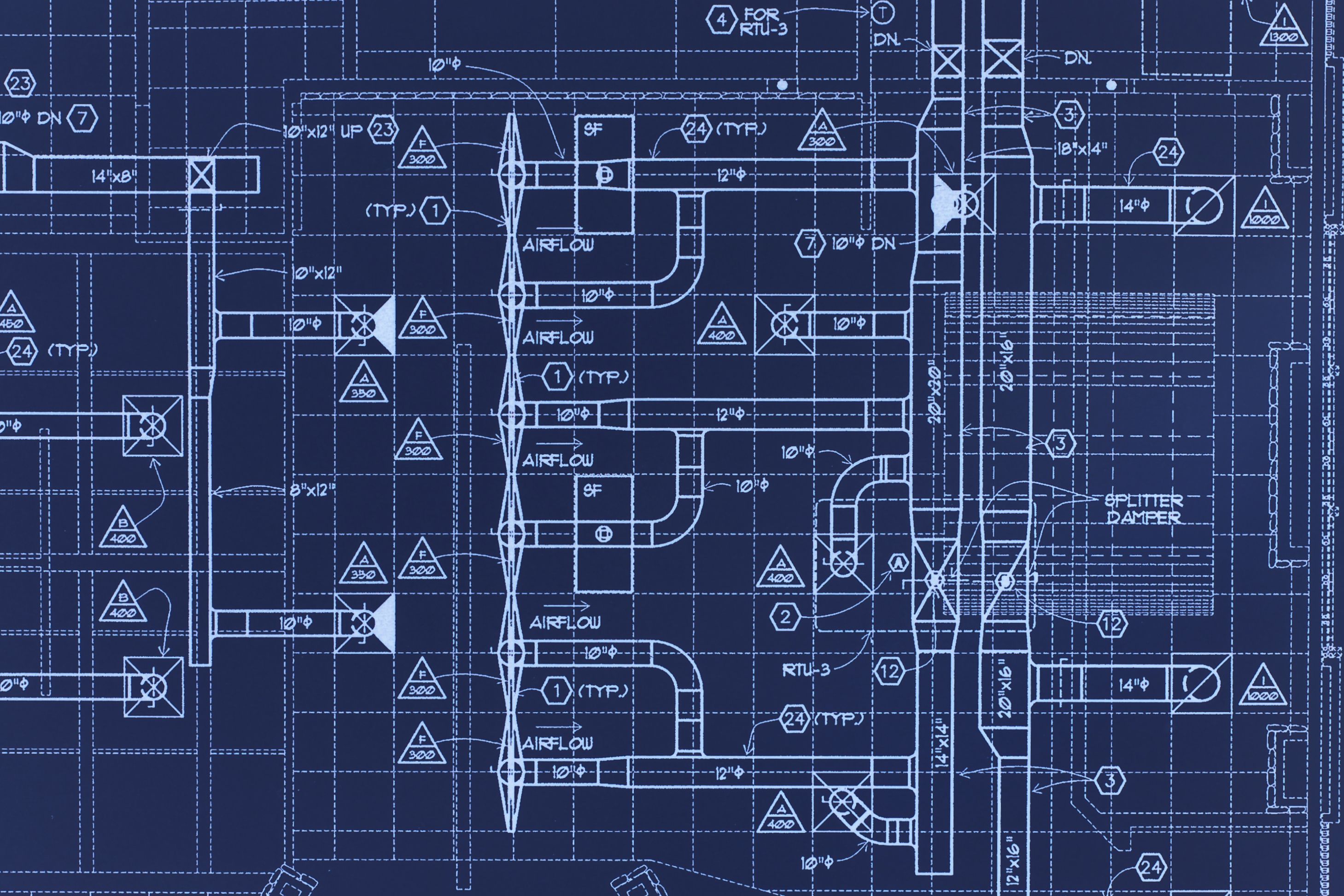
However, when it comes to 3D modeling, SolidWorks offers more advanced features and a more intuitive interface. For users who primarily need 3D capabilities, SolidWorks might be the better option.
Fusion 360
Fusion 360 is known for its cloud-based platform, allowing for easy collaboration and access from anywhere. It combines CAD, CAM, and CAE in one package, making it a versatile option. Fusion 360's cloud capabilities offer a distinct advantage for teams working collaboratively across different locations.
Nevertheless, SolidWorks outshines Fusion 360 in terms of depth and range of features, particularly for complex engineering designs. Its extensive toolset and integration capabilities are unmatched, making it ideal for more intricate projects.

Choosing the Right CAD Software
The choice between SolidWorks and other CAD software largely depends on the specific needs of the user. For those requiring advanced 3D modeling and simulation tools, SolidWorks is often the preferred choice. Its comprehensive features and user-friendly interface make it a standout option.
However, for applications that rely heavily on 2D design or require cloud-based collaboration, other software like AutoCAD or Fusion 360 might be more appropriate. Evaluating the specific requirements of your project can guide you in selecting the most suitable software.
Conclusion
In conclusion, SolidWorks remains a strong contender in the CAD software landscape due to its robust features and ease of use. While other software options provide their own advantages, understanding the strengths and limitations of each can help you make an informed decision. Ultimately, the right choice will enhance productivity and streamline your design process.